
You have New Photos - Now Put Them to Work!
Your image gallery has landed. You've seen them, you love them, and thought - yes, these are good. Really good. Now what?
This is the part that trips a lot of people up. The images are there, looking fabulous, and somehow they stay sitting in a folder on your desktop while your website still has that old photo from three years ago and your LinkedIn profile picture is still a slightly cropped group shot from a Christmas party.
Let's fix that. Here are four practical tips to get your brand new images out of your hard drive and into the world where they belong.

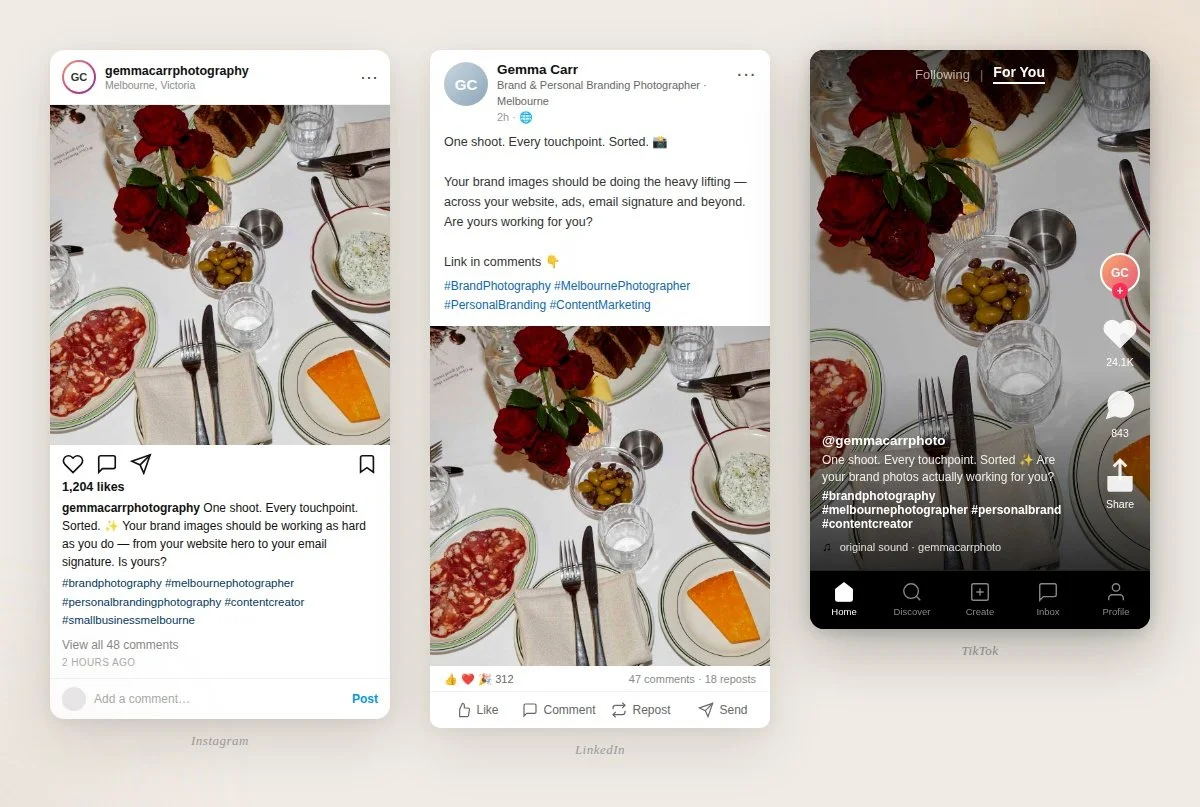
One shoot. Every touchpoint. Sorted.
Images From your Hard Drive to Everywhere
Your profile images are often the very first thing people see. Updating them all at once is a simple, satisfying way to start putting your new photos to work - and it takes less than an hour.
Here's your checklist:
Website home page
Website about page
Website pop-ups or lead magnets
LinkedIn profile
Instagram profile
Facebook profile and banner
YouTube profile and banner
Newsletter signature
Business cards (next print run)
Speaker or presenter bios
Thank you cards or packaging inserts
Consistent, up-to-date imagery across every touchpoint of your brand tells your audience you're active, professional, and worth paying attention to.

Images are Scientifically proven to be more memorable than words.
Did You Know That Images Tell Your Story Faster Than Words?
Studies show that people remember 65% of information when it's paired with a relevant image - compared to just 10% when reading text alone. Your photos aren't just nice to have. They're one of the most powerful communication tools in your business.
Here are some ways to put that to work:
Make your ads work harder - give your ad spend a real advantage with professional, on-brand, campaign specific imagery across your Google and Meta ads. Let’s get those ROI’s cooking!
Pitch with confidence - speaker bios, media kits, award nominations, collaboration proposals. Strong, current images make you look the part before you've said a word.
Refresh old content - go back to your best performing blog posts, social posts or newsletters and update them with your new photos. New imagery breathes life back into content that already worked - and gives you a great reason to reshare it.
Plan your content in advance - with a full library of images on hand, you can batch your content weeks ahead. Match your photos to your content ideas in one sitting and schedule everything in advance.
Think beyond the screen - signage, pull-up banners, packaging, brochures, event materials. Your brand exists beyond the screen too - make sure your print materials know it.

Unforgettable Social Media
Have you ever landed on an Instagram account and felt immediately drawn in - without quite knowing why? Chances are it's because the images feel considered and cohesive. There's a consistent tone, a consistent palette, a consistent feeling running through everything.
That's exactly what a professional shoot gives you. When your images all come from the same session, they sit together beautifully in your grid - creating that magnetic, curated quality that builds trust on sight.
Use your new images across:
Instagram feed posts and Stories
Make your Google and Meta Ads their most effective
Facebook feed posts and cover photo
LinkedIn posts and featured images
Pinterest boards
Blog post headers and featured images
And don't be precious about repeating yourself across platforms. Using the same image on Instagram and in your newsletter isn't lazy - it's consistent. Recognition is the whole point.
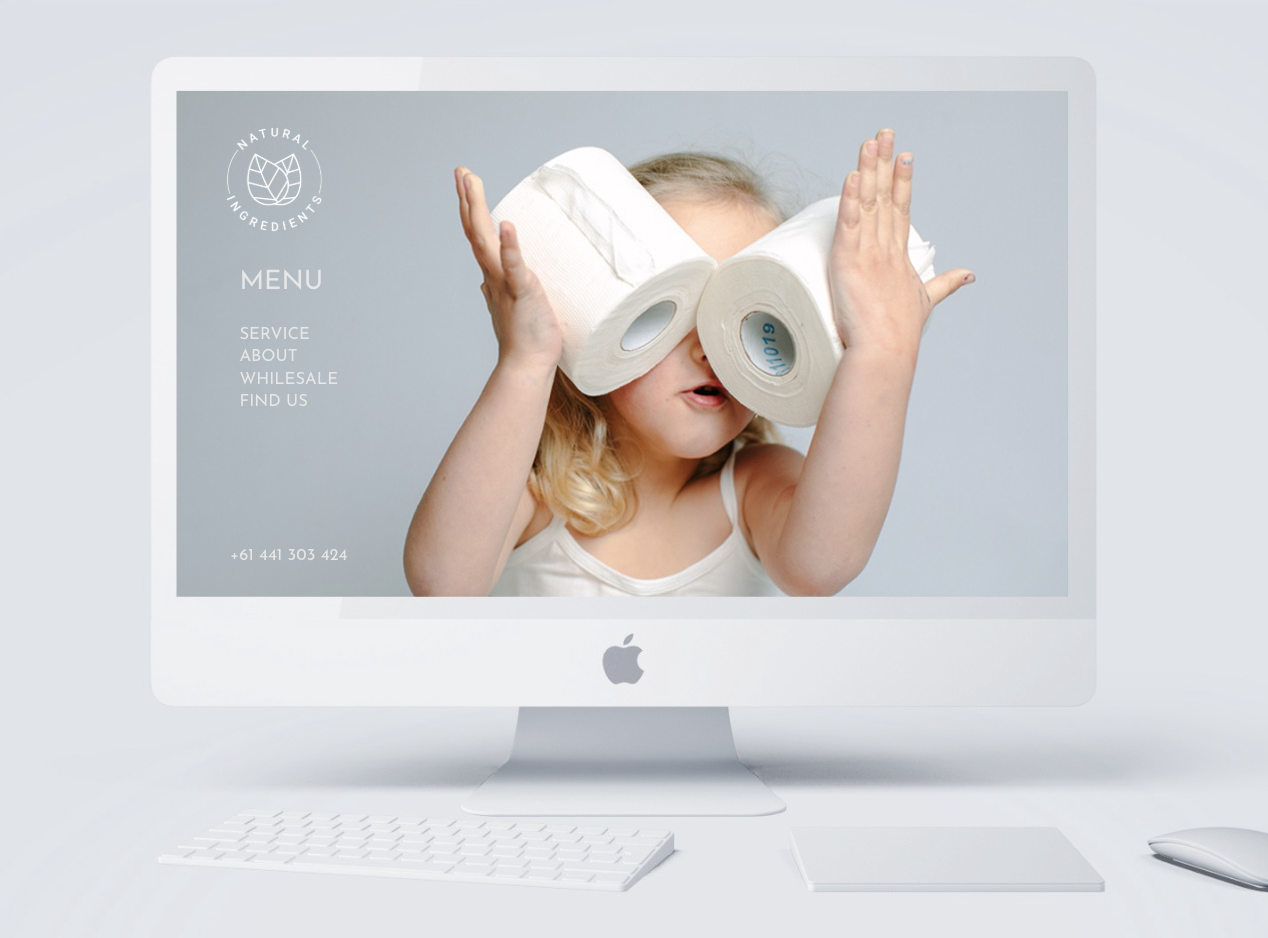
Fresh Website images, fresh energy. Google notices - and so do your visitors.
A new suite of images is the perfect prompt to do a proper website refresh. Work through each page and ask: do these images still represent me and my business well? Here's where to focus:
Home page hero: this is prime real estate - use your strongest, most on-brand photo here
About page: a mix of portrait and lifestyle shots works beautifully here - give people a genuine sense of who you are
Services pages: photos that show you in context, doing what you do, help potential clients picture working with you
Contact page: a warm, approachable image here makes reaching out feel easy
Fresh website photos also help with SEO - Google notices when pages are updated, and so do your visitors. Don’t forget to add ALT text to every website image to make the SEO muscles work extra!
Make your newsletter sticky
Images that are aligned with your message don't just look good - they make your whole newsletter more memorable. And inboxes are crowded places.
The images you choose for your newsletters aren't just decorative - they're doing real work. The right photos pronounce and compliment your messaging. When your images are genuinely aligned with what you're saying - your point of difference, your offers and your brand message is amplified! (here’s to more of that)
Why put photos in your next newsletter?
Build trust & connection with readers
Amplify your message - fast!
Share your offers
Showcase your skills
Bring people behind the scenes of your business
Remarkable images in a remarkable newsletter - making your newsletter clickable, on brand and memorable. That's what turns a subscriber into a client.
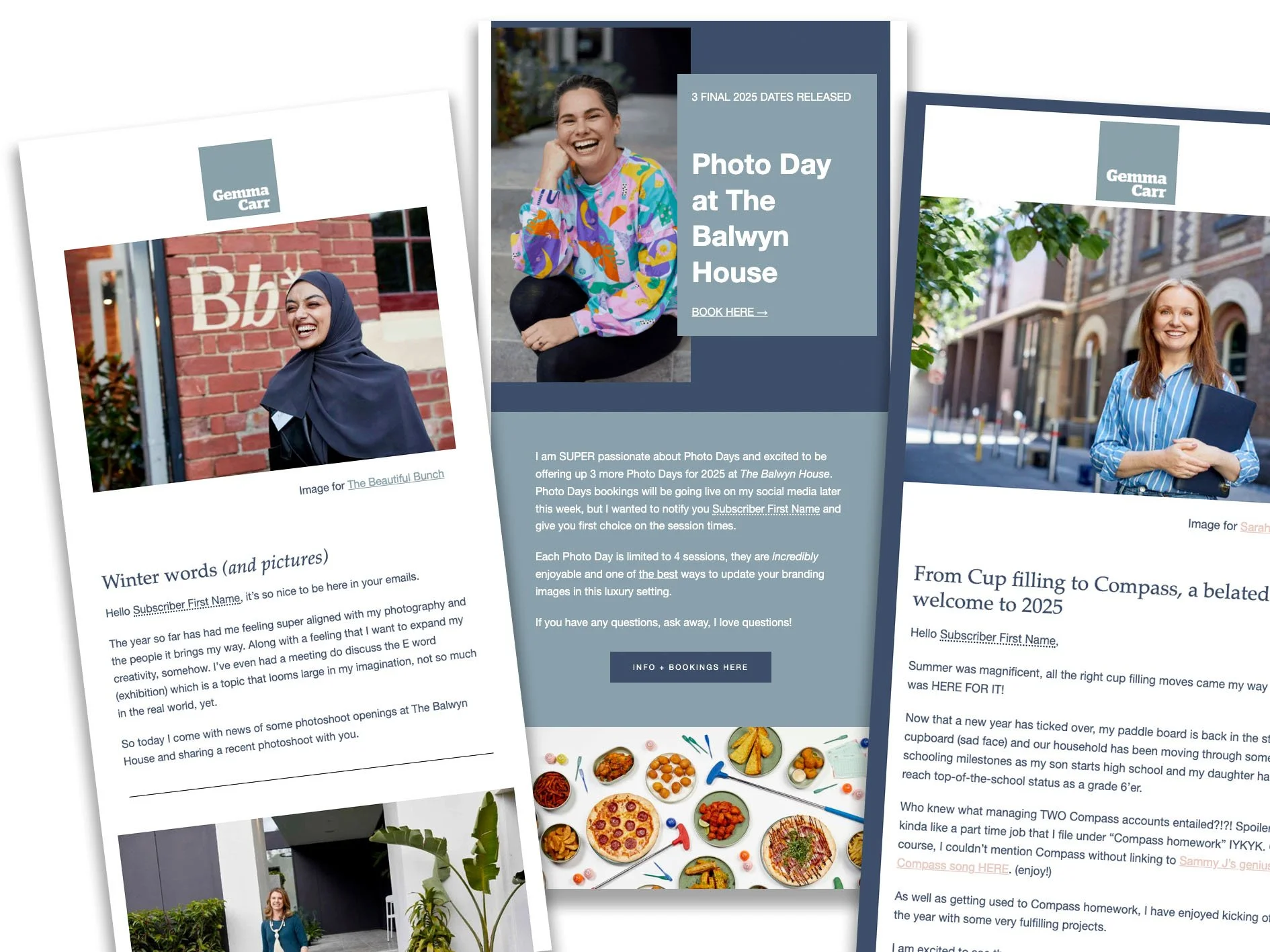
Fresh, relevant imagery helps make your newsletter more impactful
Create an email Signature with personality
Every email you send is an opportunity to build familiarity and trust - and most people leave that opportunity completely blank.
Adding a small profile image to your email signature puts a face to your name instantly. It reminds the reader they're talking to a real person. And when your face or products are showing up consistently across all your communications, that familiarity builds quietly in the background until one day someone says "I feel like I already know you" - and books.
Your email signature is prime real estate. Let’s make it optimised for your to be remembered.
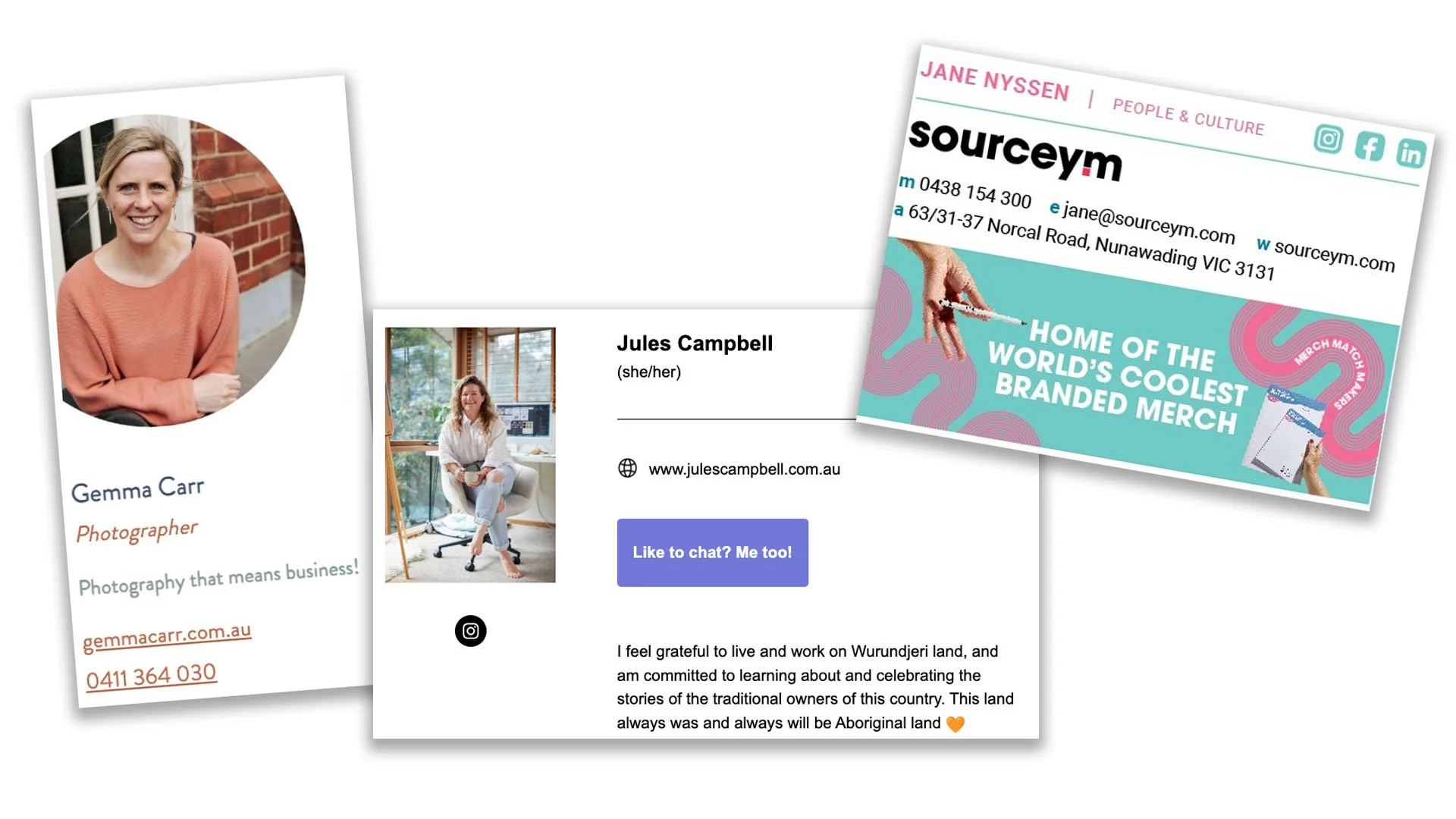
Good looking email signatures are one more touchpoint to market your brand.
Ready to Book Your Melbourne Photoshoot?
I'd love to help you - and your team - walk away with images that represent your brand at its very best.
Sessions are available across Melbourne and surrounds. Get in touch to chat about what your image needs, and let's give your marketing a glow up.
✦ Book your Melbourne photoshoot - or get in touch to talk through which style and service is right for you.